
Supervise every session without attending them all
Record the session or supervision and review everything on one screen: transcript, marked moments, summary cross-referenced with the plan, and voice note notes.
The Proaba app is available in English and Portuguese.
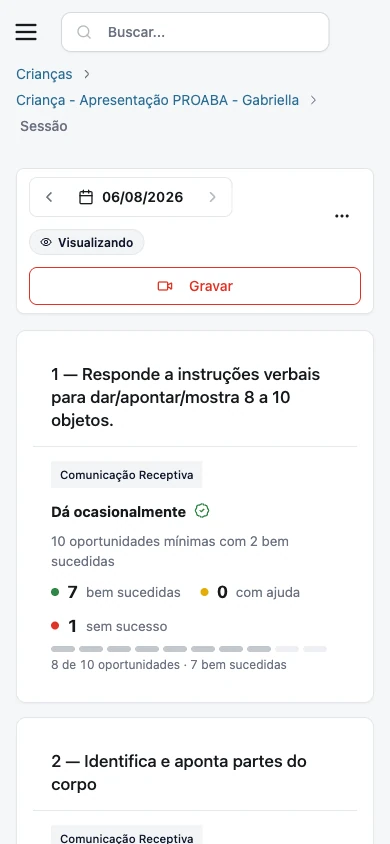
Record exactly as the session happens
Record from the session or separately, via the child screen. If recording on a phone, upload the video later.
- Live stream for authorized viewers.
- On mobile, the recording dashboard becomes a footer bar and can go full screen.
- Recording is enabled child by child. Speak with the team to activate it for your clinic.
Review the recording at the moment that matters
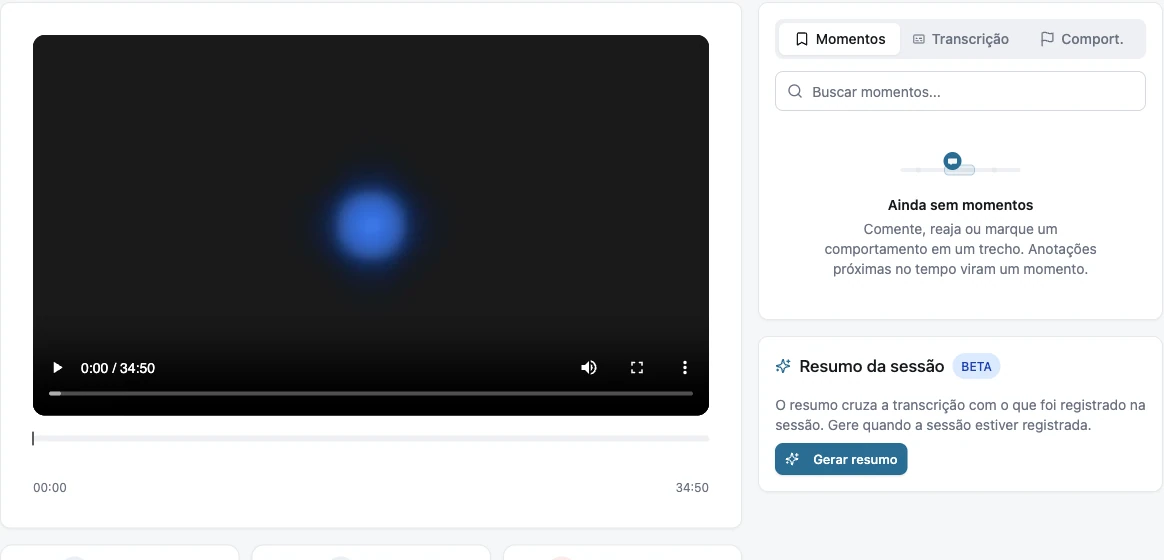
When the transcription is ready, the session gets a review screen. Watch, comment, and mark what happened at the exact point in the video.
- Comment, reaction, or observed behavior, marked at the instant of the video.
- Notes close in time become pre-named Moments.
- The family sees only what you mark as visible to them.
- Full transcript for reading and download.
Find the section without watching everything again
Two ways to find what you are looking for during a long session.
- Find a moment: describe what you are looking for, such as "where does the child ask for the cookie?", and Proaba finds the related speech.
- Ask the session: choose a suggested question or ask your own. Each answer comes with the transcript excerpts that support it, and a click leads to that point in the video.
Session summary cross-referenced with the plan
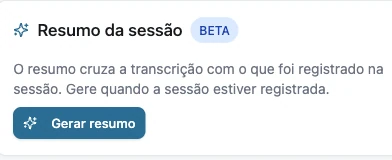
The summary compares the transcription with what was planned and recorded. Supervision sees in one place what the session covered and what still needs to be recorded.
- What was planned for the session.
- What was worked on and recorded.
- What the transcription shows happened, but has not yet been recorded.
From voice note to supervision notes
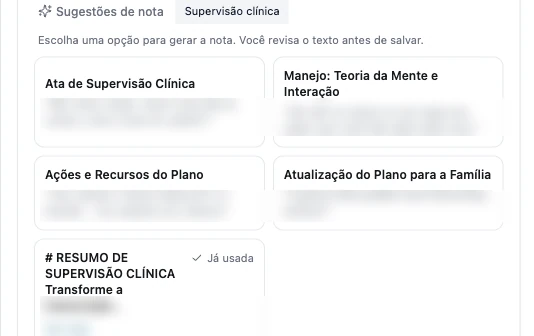
Record supervision, team meetings, or family feedback sessions. Proaba reads the transcript and suggests what to write, according to the content: school supervision yields different suggestions than family feedback.
- Each suggestion shows the snippet of the voice note that justifies it, so you can decide before generating.
- The supervision note uses absolute dates, text in clinical record format, and only the final decision, with actions grouped by person responsible.
- The supervision note recognizes the child, the team, and the linked family members, and does not attribute statements to those who did not speak.
- Ask for it your way in "Custom" when you want a different format. You review before saving.
- Videos recorded on the phone also count as voice notes; Proaba uses audio only.

Who sees what
Each note and recording moment has its own visibility: team, family, or just you. A "Just for me" note does not appear even to supervisors or administrators.